Back to portfolioOpen Source Tools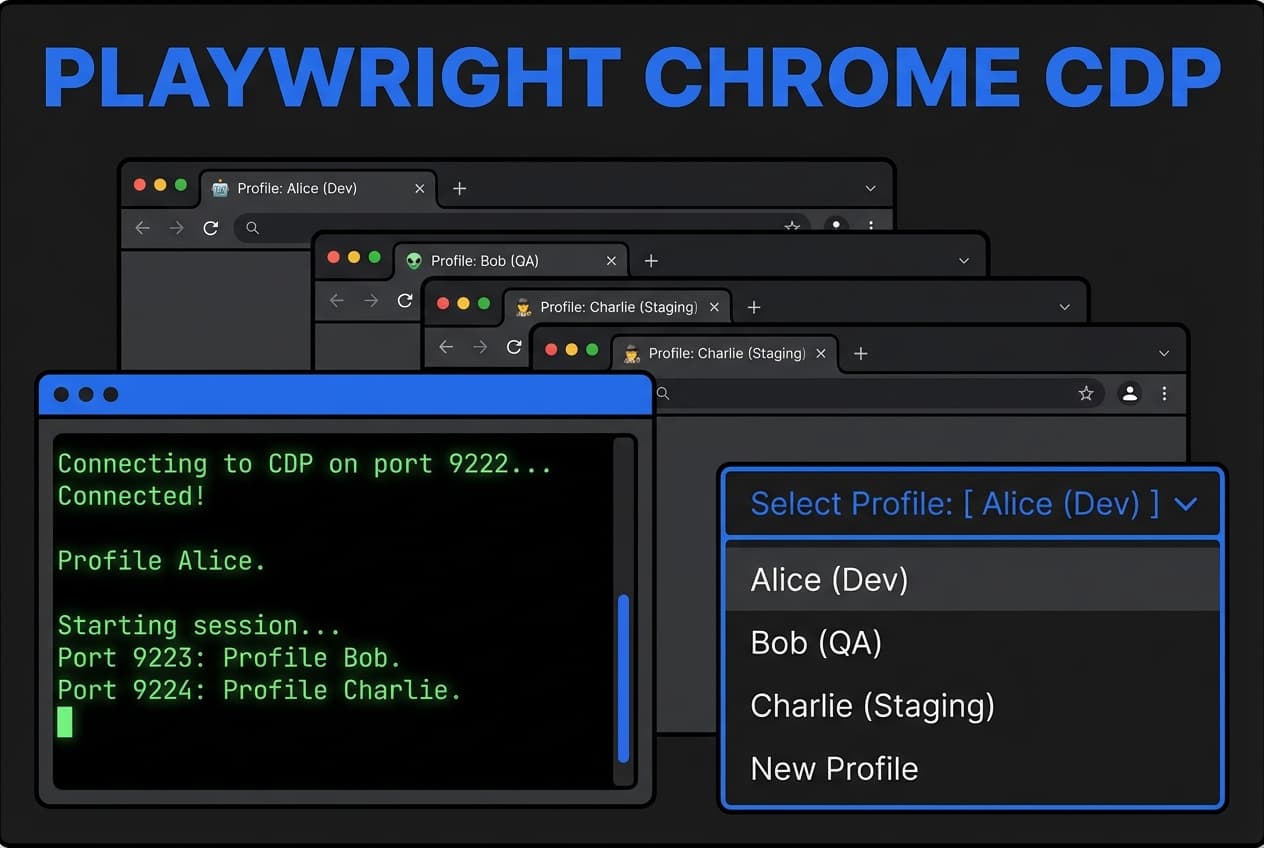
Playwright Chrome CDP Setup
Chrome Profile Management for Automation
The Problem
Playwright automation typically starts with fresh browser profiles, requiring re-authentication for every session. For social media automation and testing, maintaining logged-in sessions across runs is essential.
The Solution
Created a setup guide and tooling for running Playwright with persistent Chrome profiles via Chrome DevTools Protocol. Supports multiple named profiles, symlinked storage to external drives, and single-port management for AI agents that need browser access.
Tech Stack
PlaywrightChrome CDPShellTypeScript
Key Features
Persistent Chrome profiles for Playwright
Multiple named profile management
CDP connection on configurable port
External drive symlink support
Profile switching for different accounts
Compatible with AI agent browser tools